Signing in
Signing in with a password or your company account, and setting up two-factor authentication.
Signing in with your email address
- Open your organisation's A-Sync address in a browser.
- Enter your Email and Password.
- Choose Sign in.
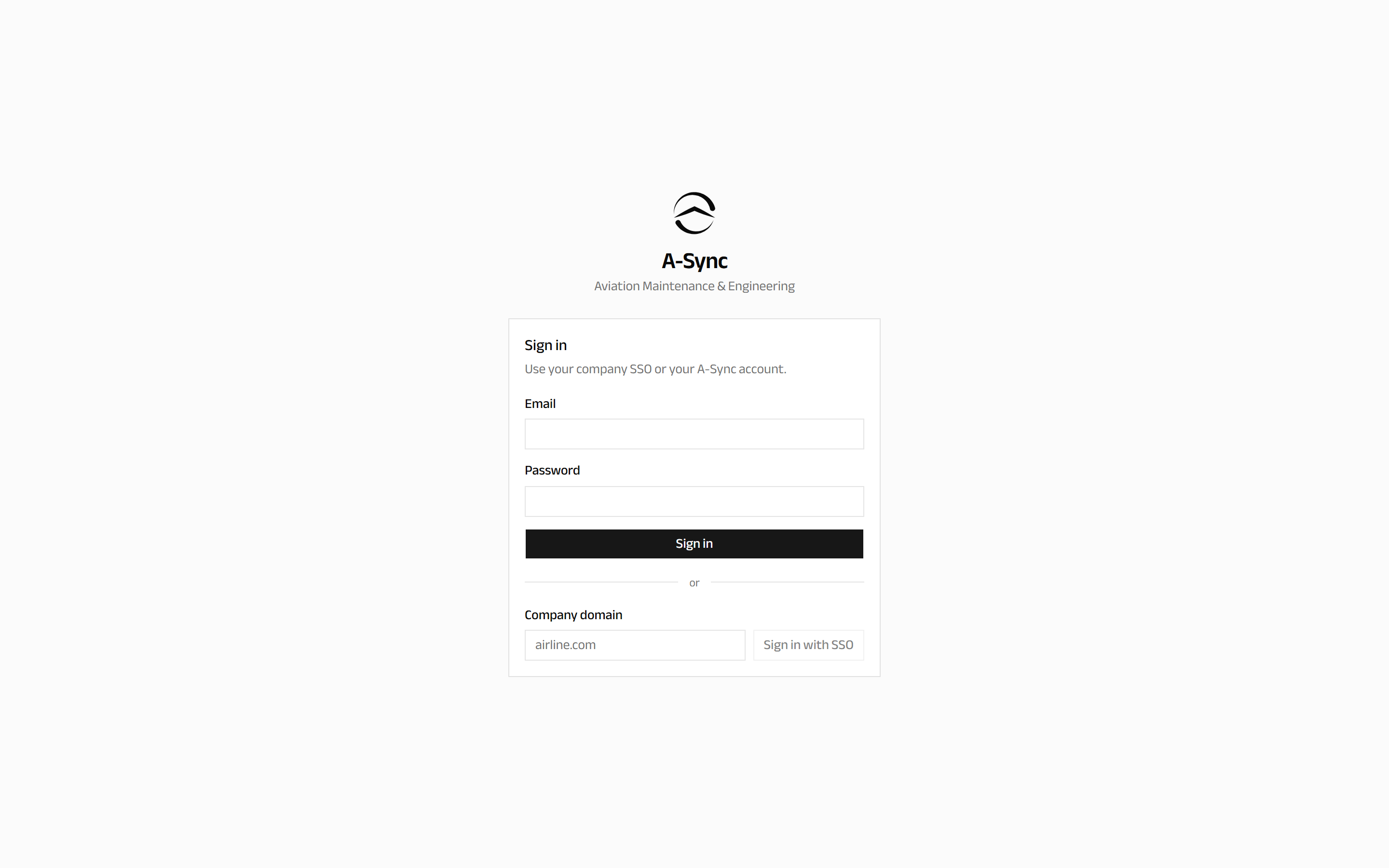
You land on the Dashboard unless you followed a link to somewhere else, in which case A-Sync takes you on to that page once you are signed in.
Signing in with your company account
If your organisation uses single sign-on, you do not need an A-Sync password.
- Enter your company domain - for example
airline.com- in the Company domain field. - Choose Sign in with SSO.
- Complete sign-in with your company identity provider.
If single sign-on is not set up
A-Sync tells you that single sign-on is not configured for that domain. Check the spelling of the domain, then ask your administrator whether it has been enabled for your organisation.
Two-factor authentication
Two-factor authentication adds a six-digit code from an authenticator app on top of your password. Whether it is optional or required is an organisation-wide setting.
When your organisation requires it
The first time you sign in, A-Sync takes you straight to the setup screen. You cannot reach the rest of the application until you finish it.
- Open your authenticator app and scan the code shown on screen.
- Enter the six-digit code the app produces.
- Choose Verify.
Setting it up by choice
You can turn it on yourself at any time from Settings, using the same steps.
Signing in afterwards
Once a factor is set up, every sign-in asks for a code:
- Enter your email and password, then choose Sign in.
- Enter the current code from your authenticator app in Authentication code.
- Choose Verify.
If you lose your authenticator
Nobody can recover the codes for you. An administrator in your organisation has to reset the factor on your account, after which you set it up again from scratch.
Signing out
Choose your name at the top right of the screen, then Sign out.
On a shared tablet, sign out at the end of your shift. Work you have recorded is already saved; signing out does not discard anything.