Tablets and working offline
Installing A-Sync on a tablet, and how work you record without a connection reaches the system.
A-Sync is built for tablets first. Every screen works at tablet size, controls are large enough to use with gloves on, and the layout adapts rather than shrinking. It works equally well on a desktop browser.
Installing it on a tablet
A-Sync can be installed like an app, which gives it its own icon and removes the browser's address bar.
- Open A-Sync in the tablet's browser and sign in.
- Open the browser menu.
- Choose Install app, or Add to Home Screen.
Once installed, open A-Sync from the home screen icon. You stay signed in between sessions.
Working without a connection
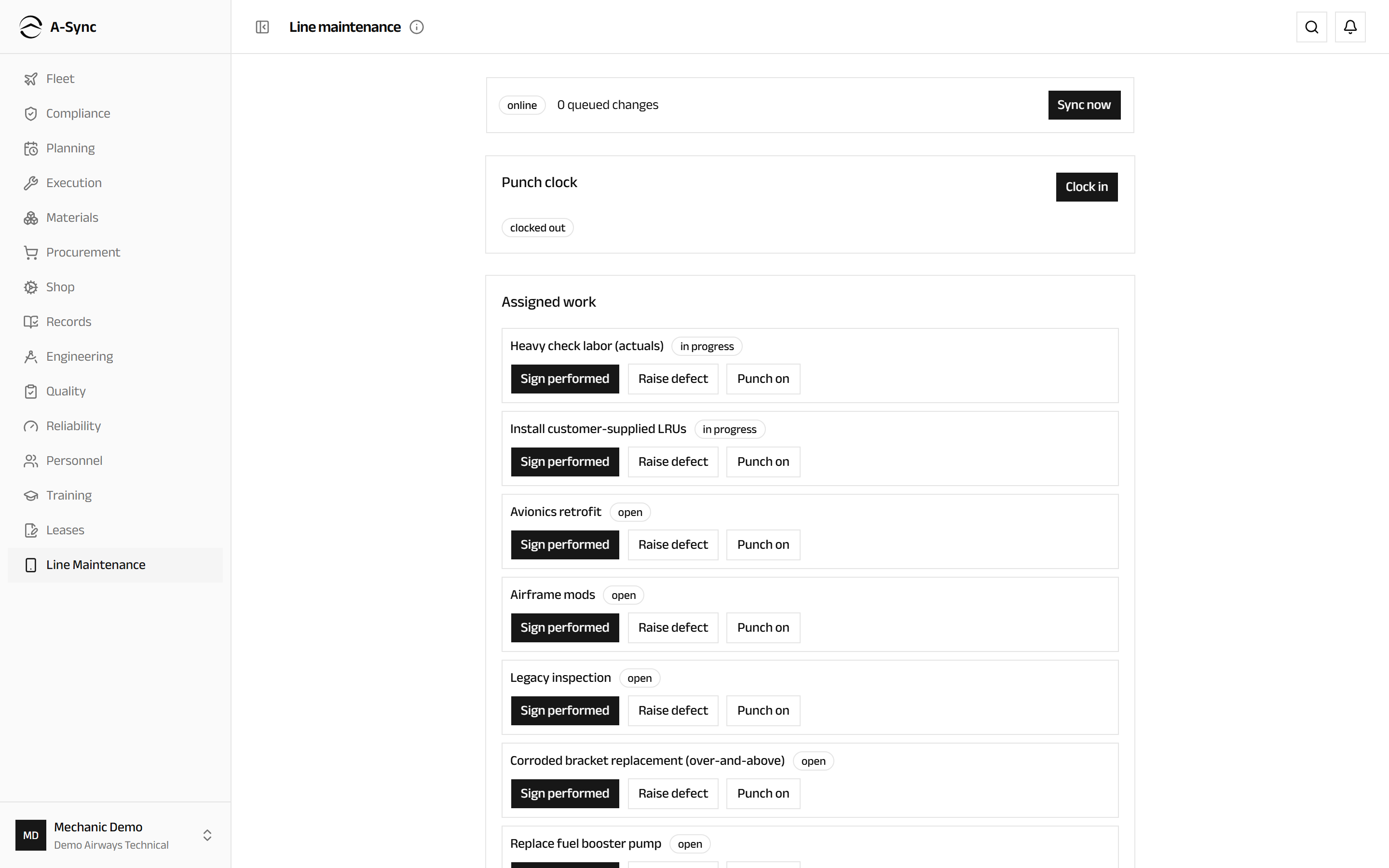
Hangars and remote stands lose connectivity. The Line Maintenance module is built for that: it keeps a copy of the work assigned to you on the device, so you can carry on when the network drops.
How it works
- Before you lose signal, open Line Maintenance while connected. A-Sync takes a snapshot of your assigned work, the aircraft it belongs to and the reference data you need.
- While offline, keep working. Recording work, signing steps and raising defects are all saved on the device. A-Sync shows that you are offline and how many items are waiting.
- When the connection returns, the queued items are sent in the order you made them. The count goes down to zero and the indicator clears.
Queued work survives closing the app and restarting the tablet. It is not held in the browser tab.
Sign out only when the queue is empty
Signing out with items still waiting leaves them stranded on the device. Reconnect and let the queue empty first.
What you cannot do offline
Anything that needs a decision from the server is unavailable until you reconnect - issuing stock that might already be gone, releasing an aircraft to service, or anything requiring an approval. A-Sync greys these out rather than letting you start something it cannot finish.
Scanning
On the stores floor, Materials → Scan turns the tablet camera into a barcode scanner for parts, bins and shipments, so receiving, moving and picking do not need typing. Scanning follows the same offline rules as Line Maintenance.
Which device for which job
| Job | Best on |
|---|---|
| Work on the aircraft | Tablet, in landscape |
| Stores floor | Tablet or handheld, for the camera |
| Planning and rostering | Desktop, for the wide boards |
| Finance and reporting | Desktop, for the wide tables |
| Technical log | Tablet, on the flight deck |